




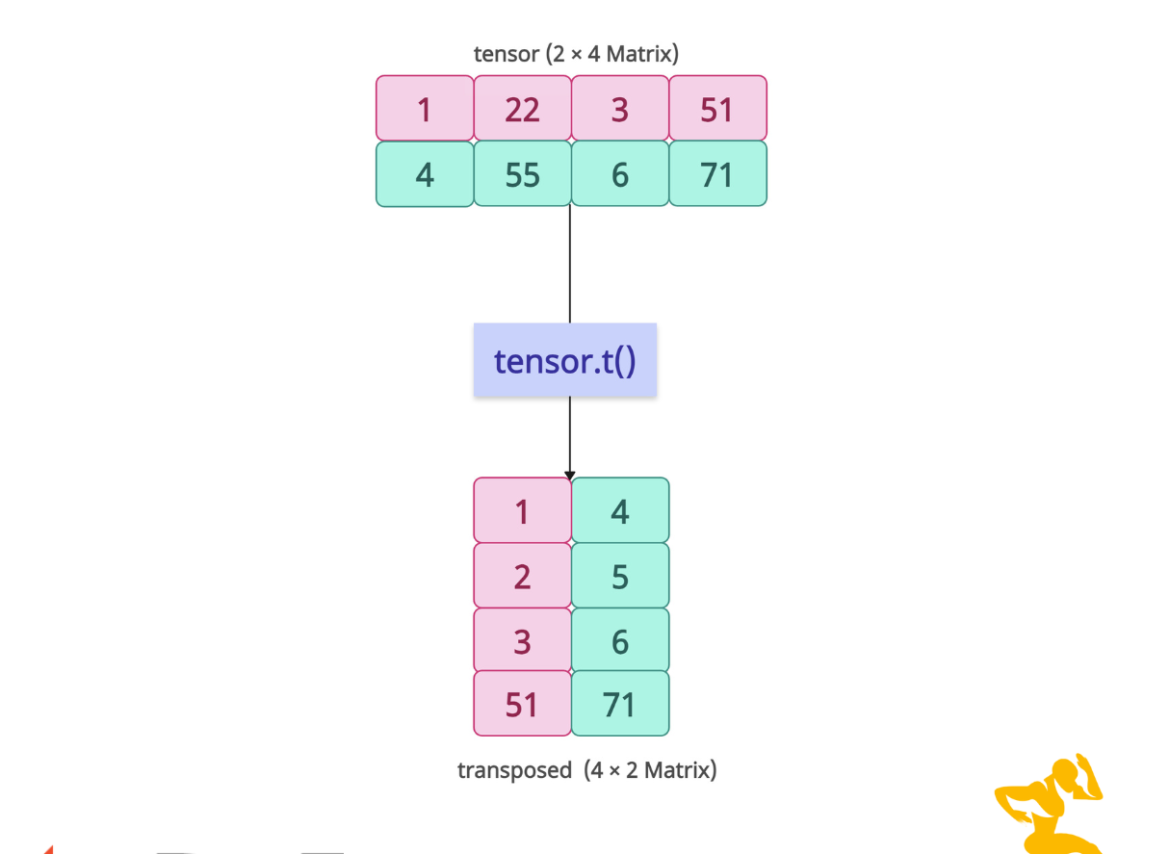

The torch.t() method in PyTorch transposes a 2-dimensional tensor, swapping its rows and columns. If the input tensor is a 0D or 1D, it returns it as it is without any changes.
import torch

# Create a 2D tensor (2x3)
tensor = torch.tensor([[11, 2, 31],
                      [41, 5, 61]])

# Transpose using t()
transposed = tensor.t()

print("Original tensor:\n", tensor)
# Output:
# Original tensor:
# tensor([[11,  2, 31],
#         [41,  5, 61]])


print("Transposed tensor:\n", transposed)
# Output:
# Transposed tensor:
# tensor([[11, 41],
#         [ 2,  5],
#         [31, 61]])
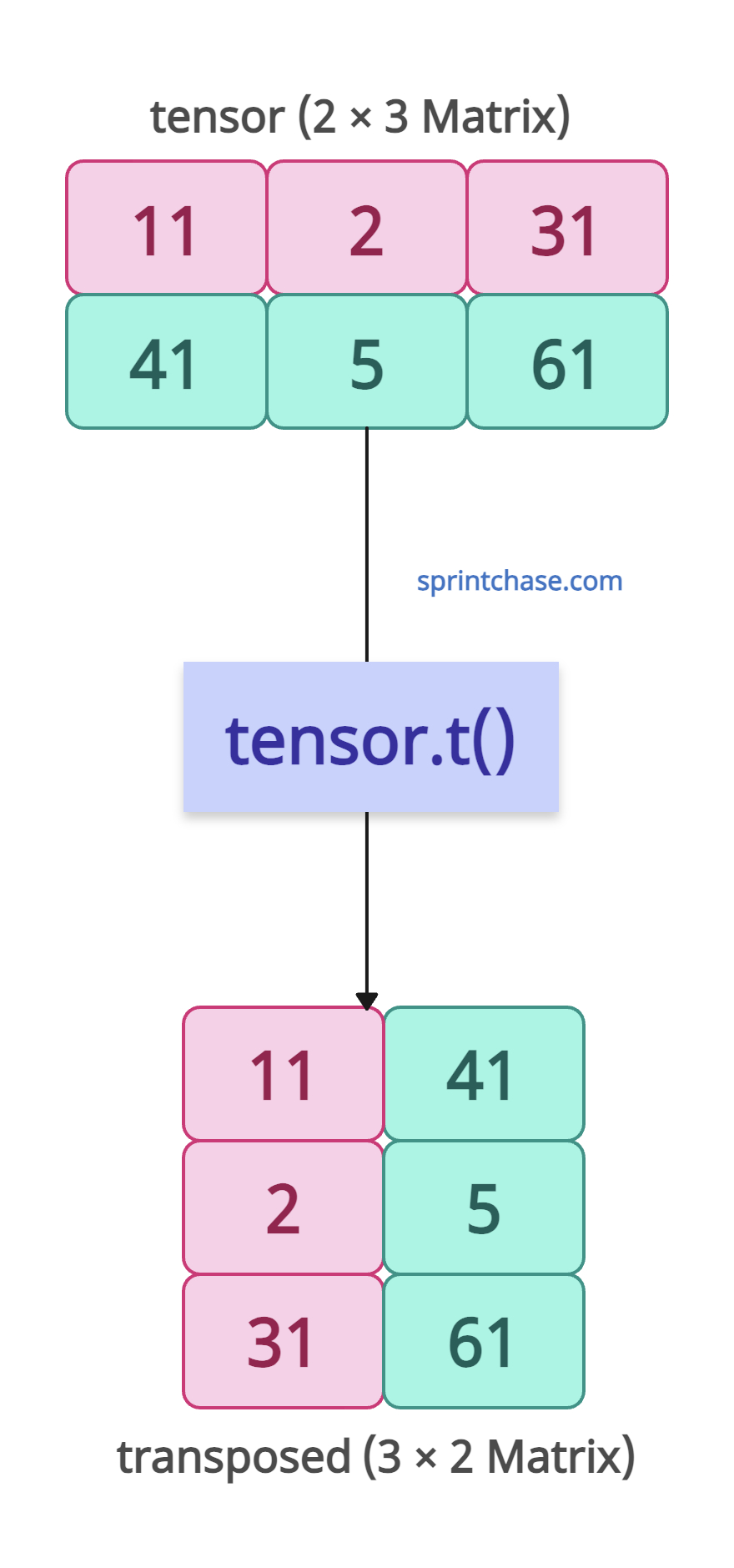
The original tensor’s shape was [2, 3], and after transposing, its new shape is [3, 2]. That shows that columns and rows have been swapped.
What if your input tensor is 3D or higher-dimensional? Well, for that, you can use torch.transpose() or torch.permute() methods.
Syntax
torch.t(input)
Parameters
| Argument | Description |
| input (Tensor) | It is an input 2D tensor. For example, a matrix of shape [m, n]. |
In-place transpose with t_()
For memory efficiency, you can use the “t_()” method to modify the tensor in place. In other words, no new tensor is returned.
import torch

# Create a 2D tensor (2x4)
tensor = torch.tensor([[10, 20, 30, 70],
                      [40, 50, 60, 80]])

print("Original tensor:\n", tensor)
# Output:
# Original tensor:
# tensor([[10, 20, 30, 70],
#         [40, 50, 60, 80]])

# In-place transpose
tensor.t_()


print("Transposed tensor:\n", tensor)
# Output:
# Transposed tensor:
# tensor([[10, 40],
#         [20, 50],
#         [30, 60],
#         [70, 80]])
The input tensor’s shape was [2, 4], and the modified in-place tensor’s shape is [4, 2].
Matrix Multiplication
We can use transposing to align dimensions for matrix multiplication.
import torch

# Define two tensors
A = torch.tensor([[1, 2],
                  [3, 4]])  # Shape: [2, 2]
B = torch.tensor([[5, 6, 7],
                  [8, 9, 10]])  # Shape: [2, 3]

# Transpose A to make dimensions compatible
result = torch.matmul(A.t(), B)  # Shape: [2, 3]

print("Result of matrix multiplication:\n", result)

# Output:
# Result of matrix multiplication:
#  tensor([[29, 33, 37],
#         [42, 48, 54]])
Error case: Applying t() to Non-2D Tensor
If you attempt to use the t() method on a non-2D tensor, it will raise a RuntimeError.
import torch

# 3D tensor
tensor = torch.randn(2, 3, 4)

try:
    tensor.t()
except RuntimeError as e:
    print("Error:", e)

# Output: Error: t() expects a tensor with <= 2 dimensions, but self is 3D
Conjugate Transposition (Complex Numbers)
Let’s define a complex tensor and find its conjugate using the torch.conj() and .t() methods.import torch complex_tensor = torch.tensor([[1+2j, 3+4j]]) # Complex tensor conj_transpose = complex_tensor.conj().t() # Conjugate transpose print(conj_transpose) # Output: # tensor([[1.-2j], # [3.-4j]])That’s all!
