




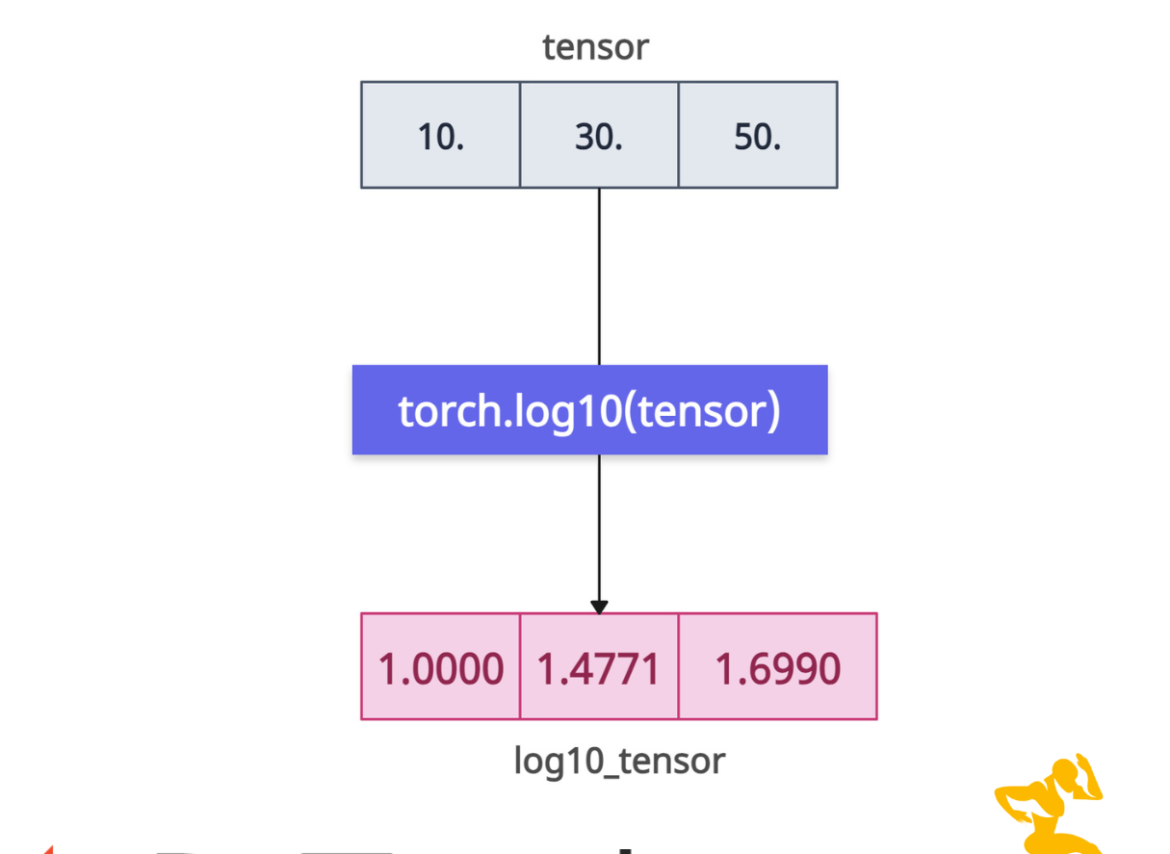

The torch.log10() method calculates the base-10 logarithm of each element in a tensor. It accepts CPU and CUDA tensors. The return type and size are the same as an input tensor.
Syntax
torch.log10(input, out=None)
Parameters
| Argument | Description |
| input (Tensor) | It represents an input tensor. |
| out (Tensor, optional) | It represents an output tensor. If you have a pre-allocated tensor, this argument helps store the result in this tensor. |
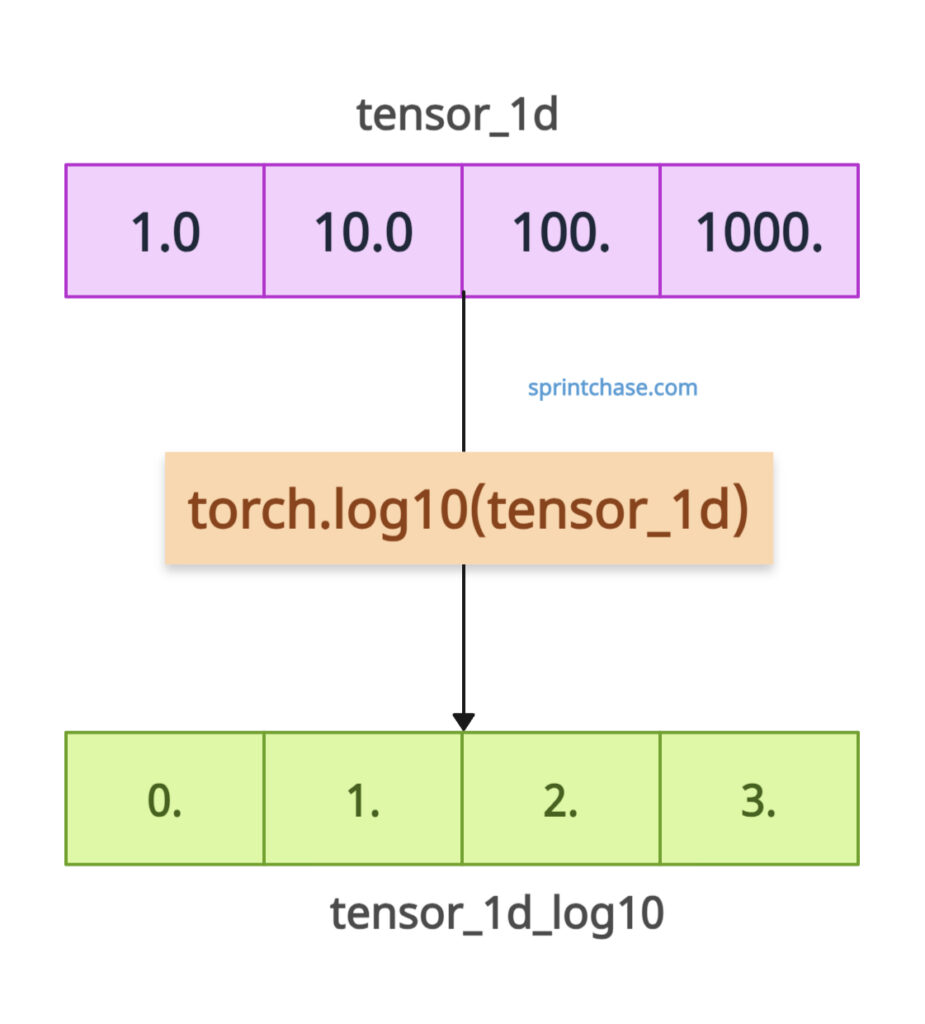
Calculating log10 of 1D tensor
import torch

tensor_1d = torch.tensor([1.0, 10.0, 100.0, 1000.0])

print(tensor_1d)
# Output: tensor([   1.,   10.,  100., 1000.])

tensor_1d_log10 = torch.log10(tensor_1d)

print(tensor_1d_log10)
# Output: tensor([0., 1., 2., 3.])
The .log10() method operates element-wise on the tensor, returning an output tensor containing the log10 value of each input value.
2D tensor
import torch

tensor_2d = torch.tensor([[1.0, 10.0], [100.0, 1000.0]])

print(tensor_2d)
# Output:
# tensor([[   1.,   10.],
#         [ 100., 1000.]])

tensor_2d_log10 = torch.log10(tensor_2d)

print(tensor_2d_log10)
# Output:
tensor([[0., 1.],
        [2., 3.]])
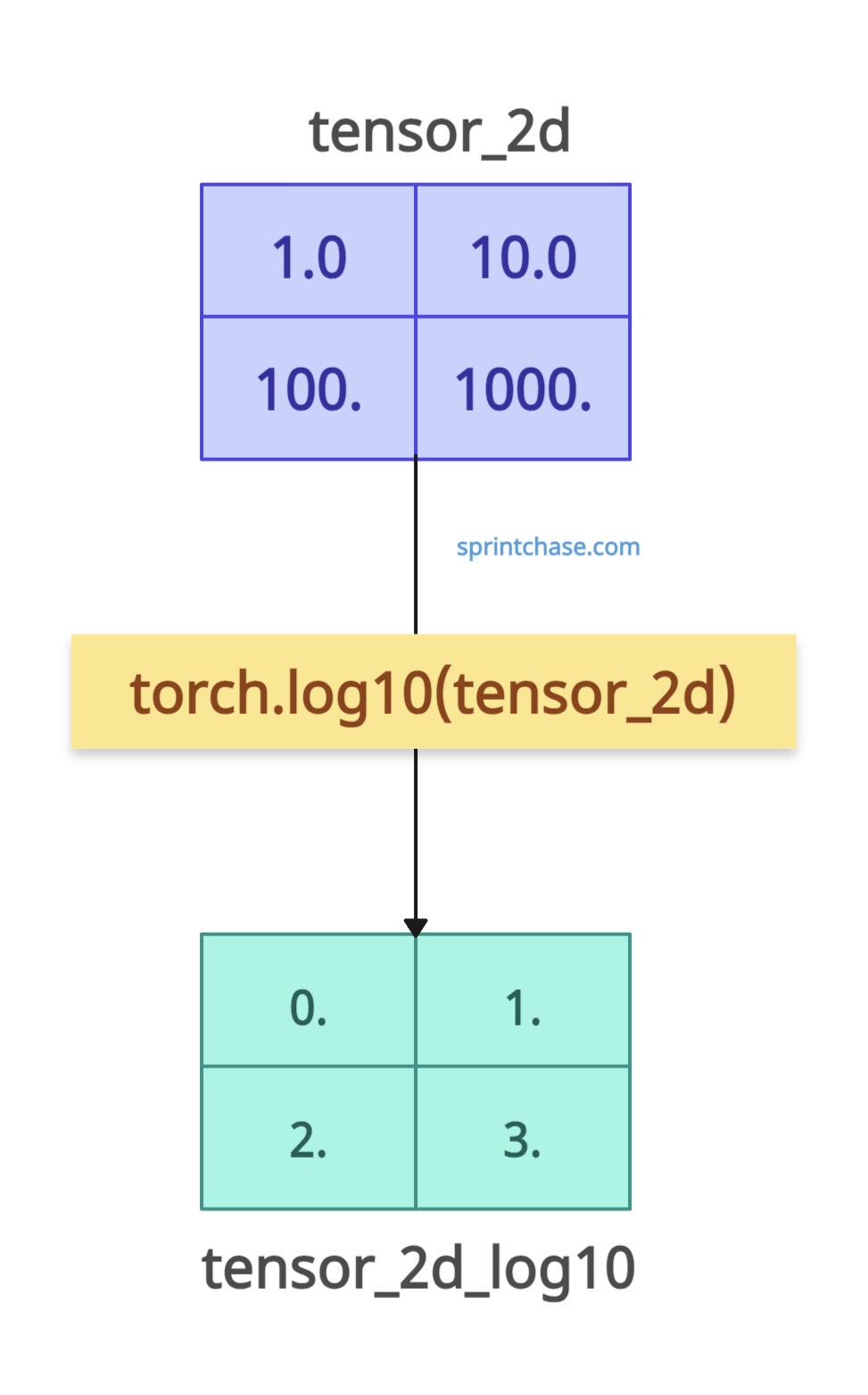
As expected, it returns a 2D tensor with log10 values of each element of the input tensor, preserving the input shape.
Negative values and 0
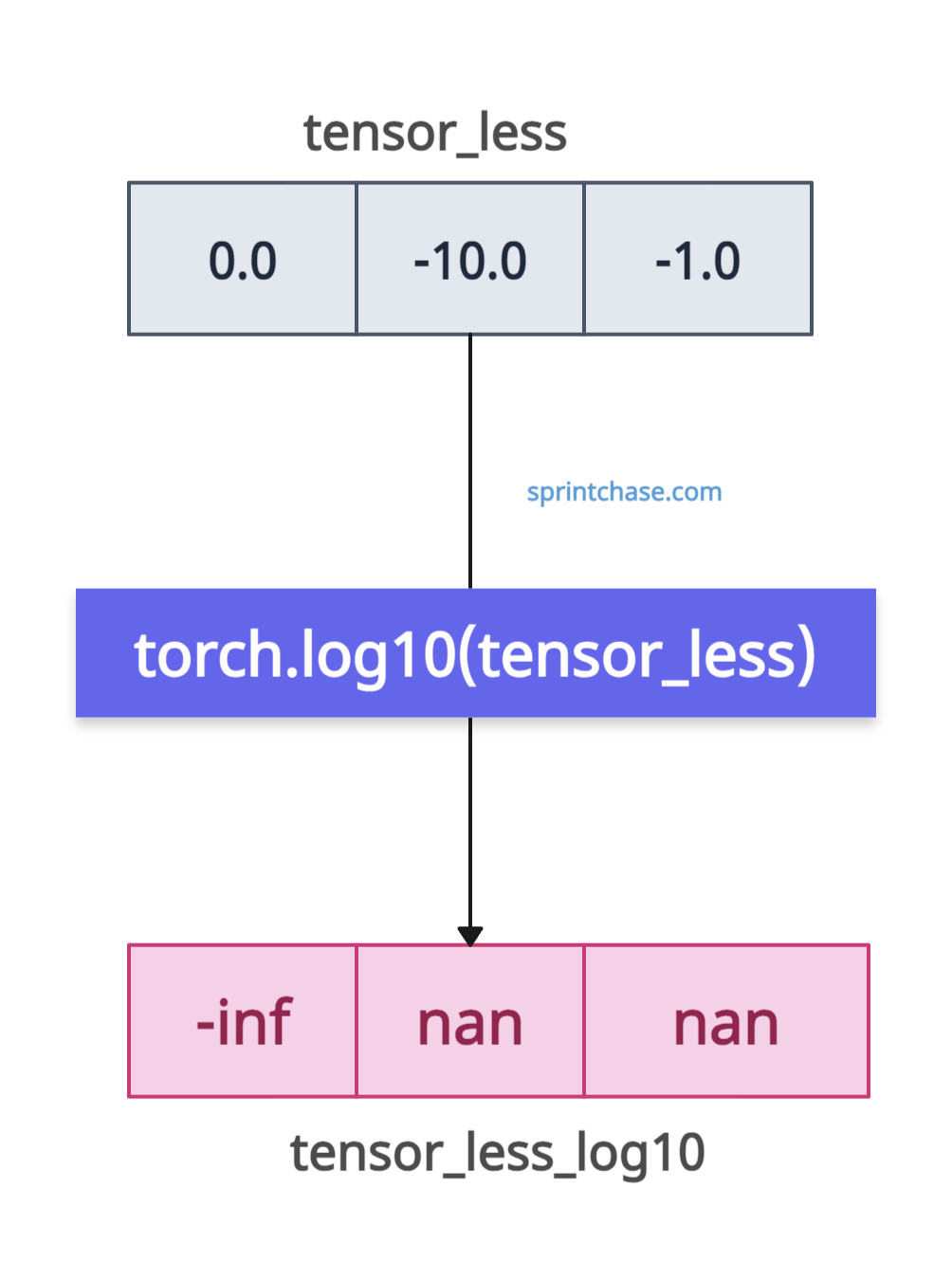
If you pass negative values (<=0), it will result in NaN (Not a Number). So, the input tensor must contain strictly positive values. For example, if the value is 0, it will return -inf. If it is negative, it will return NaN.
import torch

tensor_less = torch.tensor([0.0, -10.0, -1.0])

print(tensor_less)
# Output: tensor([  0., -10.,  -1.])

tensor_less_log10 = torch.log10(tensor_less)

print(tensor_less_log10)
# Output: tensor([-inf, nan, nan])
Pre-allocated tensor
If you have created a pre-allocated tensor using, let’s say, torch.empty() method, you can store the log10 results into this tensor using the “out” argument.
import torch

tensor = torch.tensor([1.0, 11.0])

output_tensor = torch.empty(2)

print(output_tensor)
# Output: tensor([0., 0.])

torch.log10(tensor, out=output_tensor)

print(output_tensor)
# Output: tensor([0.0000, 1.0414])
Plotting
We can plot the values using the matplotlib library to visualize the growth of log10(x). If you have not installed matplotlib, you can install it using the command below:
pip install matplotlibNow, using torch.linspace(), you can create basic data points, and as the data points increase, log10(x) increases slowly.
import torch
import matplotlib.pyplot as plt

x = torch.linspace(0.1, 1000, steps=500)
y = torch.log10(x)

# Plot the graph
plt.figure(figsize=(8, 5))
plt.plot(x.numpy(), y.numpy(), label='log10(x)', color='blue')
plt.title('Growth of log10(x)')
plt.xlabel('x')
plt.ylabel('log10(x)')
plt.grid(True)
plt.legend()
plt.show()
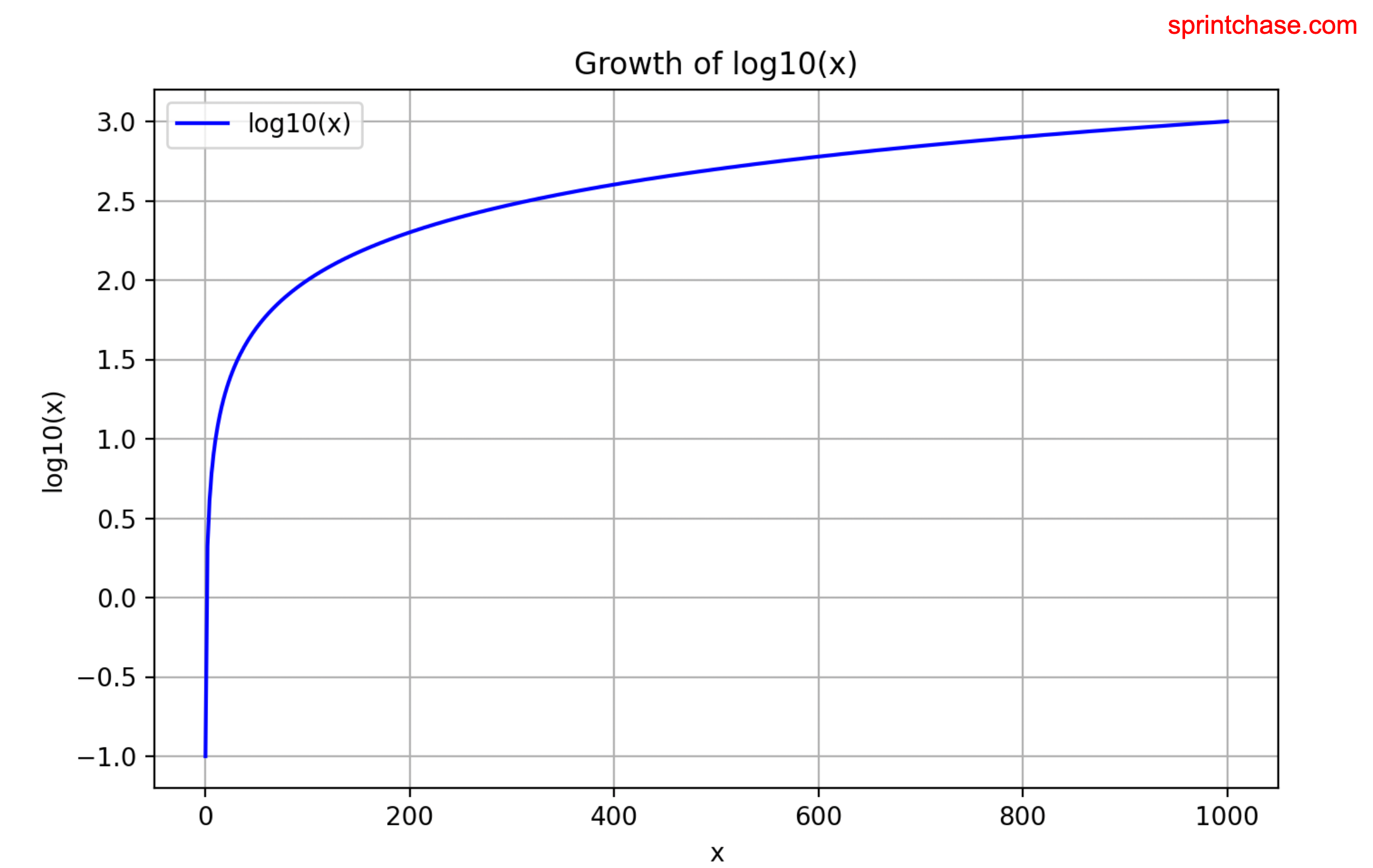 That’s all!