



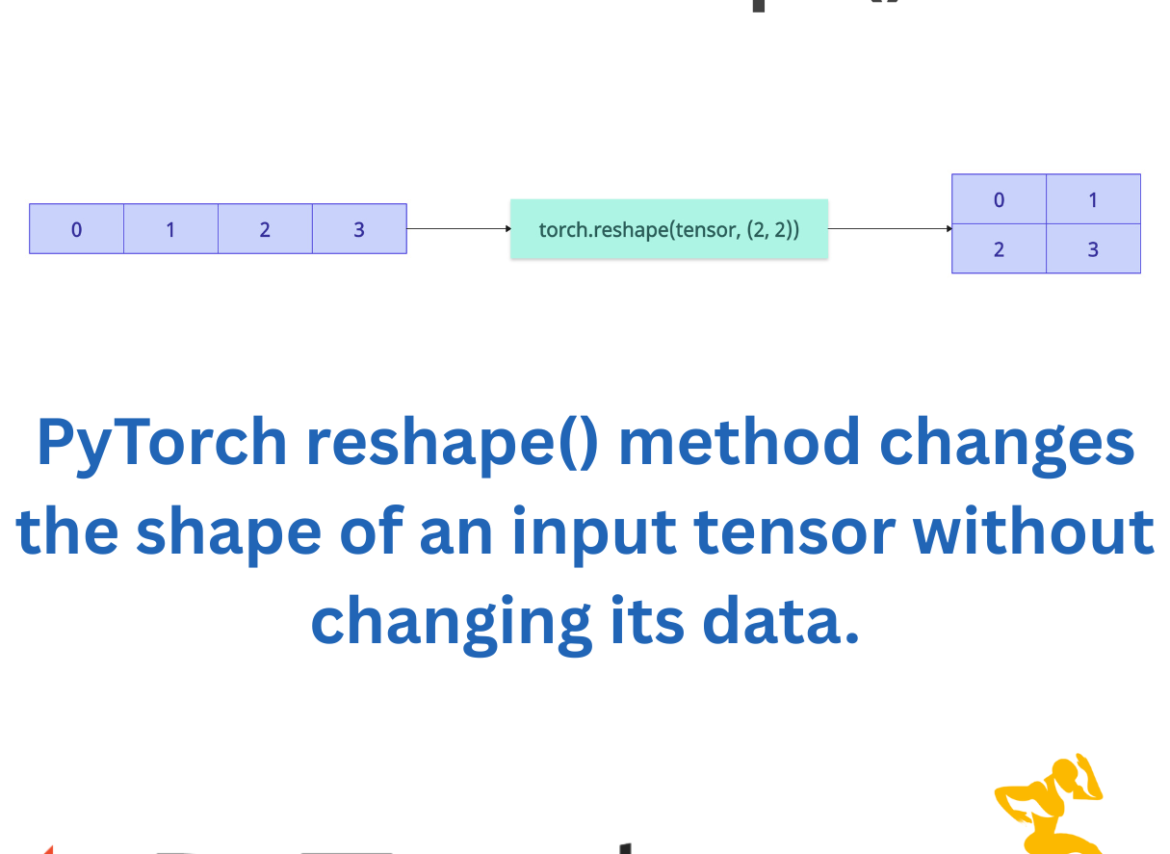

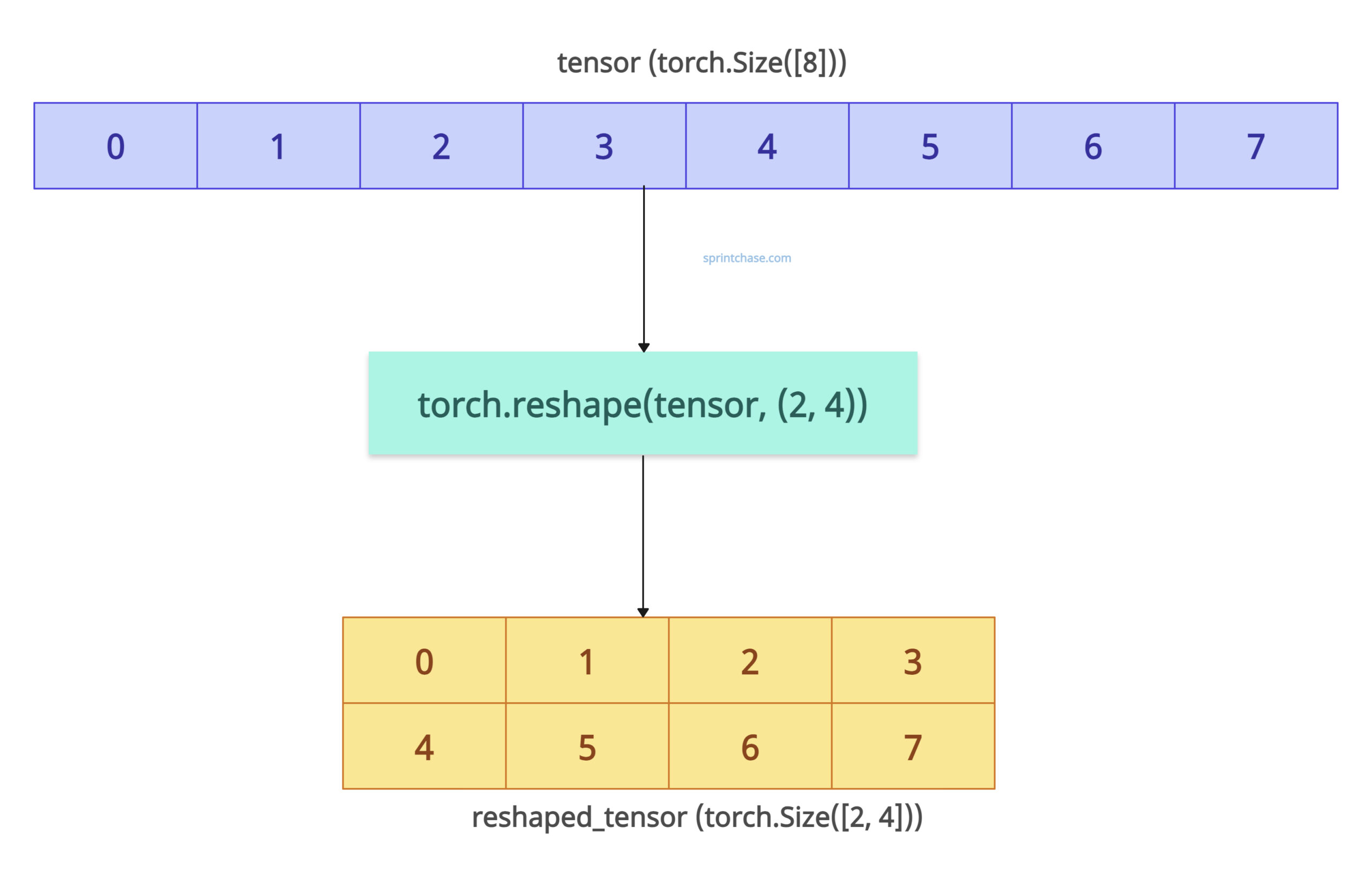
The PyTorch reshape() method changes the shape of an input tensor without changing its data. For example, if the original tensor has eight elements, then you can reshape it as (2, 4) or (2, 2, 2). After reshaping, the number of elements remains the same.
If you transform your tensor into a new shape, it will help you prepare your data for neural layers that expect a specific tensor shape. You can also flatten a tensor or adjust the dimensions for broadcasting.
Syntax
torch.reshape(input, shape)
Parameters
| Name | Value |
| input (Tensor) | It is an input PyTorch tensor. |
| shape (tuple of int) | It is a tuple of dimensions that determines the shape of the output tensor. |
Basic reshaping
Let’s initialize a 1D tensor and reshape it into a 2D tensor.import torch tensor = torch.arange(8) print(tensor) # Output: [0, 1, 2, 3, 4, 5, 6, 7] reshaped_tensor = torch.reshape(tensor, (2, 4)) print(reshaped_tensor) # Output: # tensor([[0, 1, 2, 3], # [4, 5, 6, 7]])
The output code shows that elements don’t change, but the shape does.
Flattening a tensor
You can convert multidimensional data to one-dimensional by passing a (-1, ) tuple as an argument.
Let’s generate a 2D tensor of random numbers from a normal distribution using torch.randn() method.
Using the .shape() attribute, you get the dimension of any input tensor.import torch tensor = torch.randn(2, 4) print(tensor.shape) # Output: torch.Size([2, 4]) flattened_tensor = torch.reshape(tensor, (-1,)) print(flattened_tensor.shape) # Output: torch.Size([8])
The above code shows that using reshape((-1,)), we flatten a 2D tensor into a 1D tensor, which can be verified by checking its sizes.
Passing the Shape as a List or torch.Size
You can pass a list or torch.Size as a shape to the reshape() function, and it will return a tensor with that specific shape.
import torch

tensor = torch.arange(6)

reshaped_via_list = torch.reshape(tensor, [2, 3])

print(reshaped_via_list.shape)
# Output: torch.Size([2, 3])

reshaped_via_size = torch.reshape(tensor, torch.Size([2, 3]))

print(reshaped_via_size.shape)
# Output: torch.Size([2, 3])
Error: Multiple -1 entries
If you pass a tuple of shape and more than one dimension is -1, it will throw RuntimeError: only one dimension can be inferred.
import torch

tensor = torch.arange(6)

reshaped_via_list = torch.reshape(tensor, [-1, -1])

print(reshaped_via_list.shape)

# Output: RuntimeError: only one dimension can be inferred
That’s all!
